Introduction: The Multi-Device Struggle: b36
B63: In today’s fast-paced digital world, juggling multiple devices has become the norm. Whether you carry a personal smartphone and a work phone, sit in front of a desktop computer for hours, or manage multiple numbers for your business, staying on top of your text messages can feel like a logistical nightmare. How many times have you missed an urgent 2FA code, a client inquiry, or an important family update just because your phone was charging in another room?
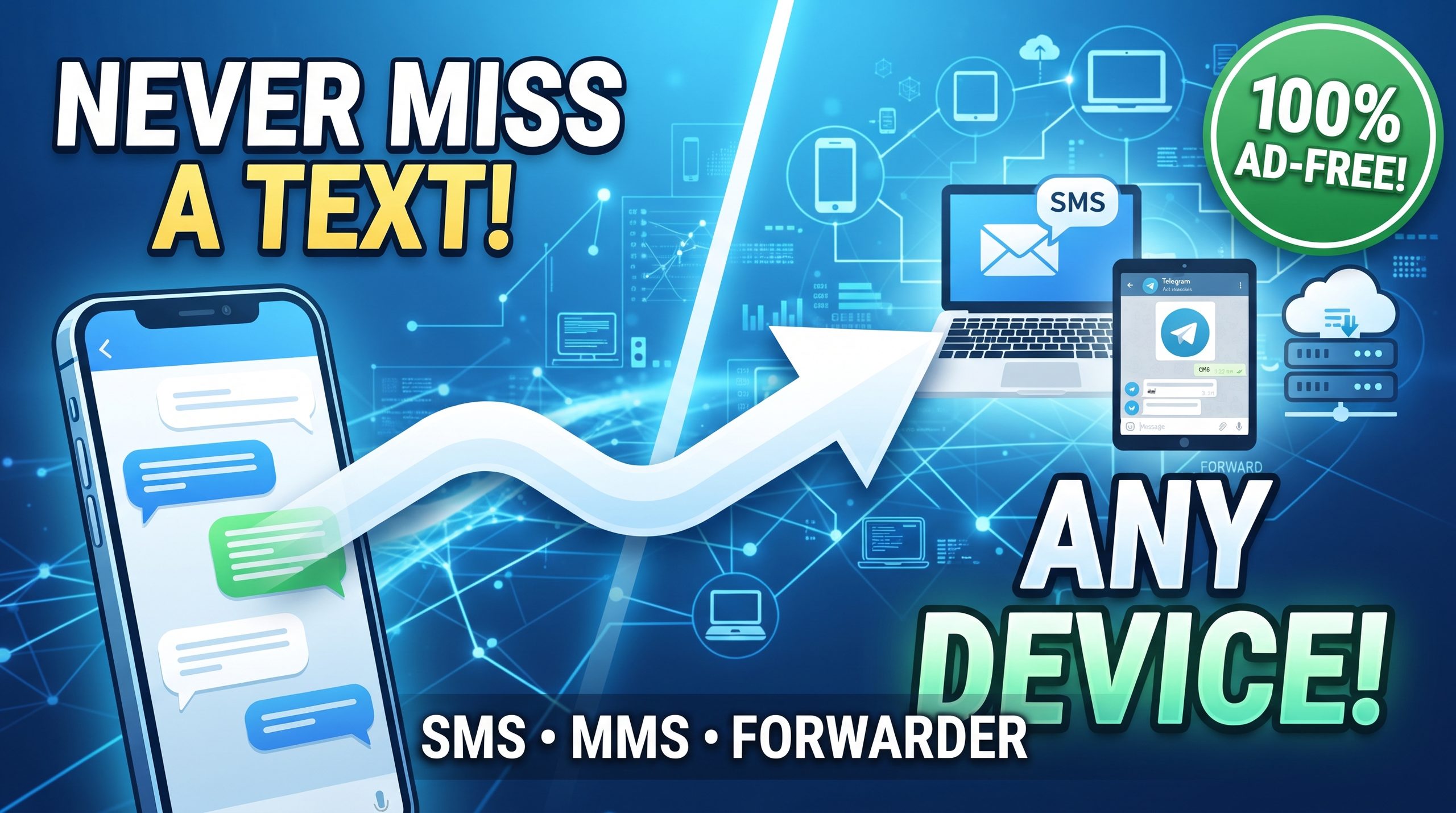
Enter advanced SMS and MMS forwarding solutions. By bridging the gap between your mobile device, computers, web servers, and messaging apps, you can keep your communication centralized and effortless. In this comprehensive guide, we explore how modern text-forwarding technology works, who benefits the most, and how you can reclaim control over your digital communication.
Key Features That Transform How You Handle Texts: b36
Modern text-forwarding apps go far beyond simple message copying. They offer robust, versatile ecosystems designed to fit seamlessly into any workflow:
- Phone-to-Phone Forwarding: Instantly relay SMS or MMS messages from one mobile device to another via standard messaging.
- Phone-to-PC via Email: Transform your desktop or laptop into a command center by receiving texts directly in your inbox.
- Web Integration via HTTP (JSON): Perfect for developers and businesses looking to push text data directly to custom web servers or CRM systems in real-time JSON format.
- Telegram Support: Skip the clutter and forward incoming messages straight to your preferred Telegram chats or channels.
- Two-Way Communication: Don’t just read forwarded messages—reply directly from your destination device to keep conversations flowing.
- Smart Filtering: Build custom rules based on specific senders, keywords, or content criteria so you only see what matters.
- Dual SIM Support: Select exactly which SIM card handles outbound routing, making it ideal for devices with multiple lines.
Who Needs SMS & MMS Forwarding?
While anyone can benefit from a streamlined inbox, certain users find these tools indispensable:
- Business Professionals: Keep work and personal messages synchronized across devices without needing to carry two phones constantly.
- Multi-Device Users: Access, read, and reply to SMS seamlessly whether you are staring at a PC monitor or holding your mobile phone.
- Security-Conscious Users: Instantly route sensitive 2FA (Two-Factor Authentication) verification codes to a secondary, dedicated secure device.
- Remote Workers: Stay fully connected to important updates, clients, and alerts even while away from your primary smartphone.
- Families: Share critical household messages, delivery notifications, and updates across multiple family devices effortlessly.
Why Choose a Privacy-First, Ad-Free Experience?
When dealing with private messages, security and performance matter above all else. Relying on bloated, ad-supported utilities can compromise your personal data and clutter your interface with unnecessary interruptions.
A clean, 100% ad-free solution ensures that your data stays secure, forwarding speeds remain lightning-fast, and your user experience stays completely uninterrupted. Combined with deep customization and dual-SIM compatibility, you get a reliable utility that adapts to your exact needs rather than forcing you into a rigid framework.
Conclusion & Getting Started
Managing multiple devices and staying responsive no longer has to be a chore. By automating how your SMS and MMS messages travel between your phone, PC, web servers, and messaging apps, you can save time, boost productivity, and ensure you never miss a critical message again.
Download your forwarding solution today, configure your smart filters, and experience true communication freedom!
What features do you look for most in a message-management app? Let us know your thoughts or requested features in the comments below!
Leave a Reply